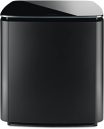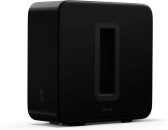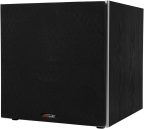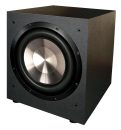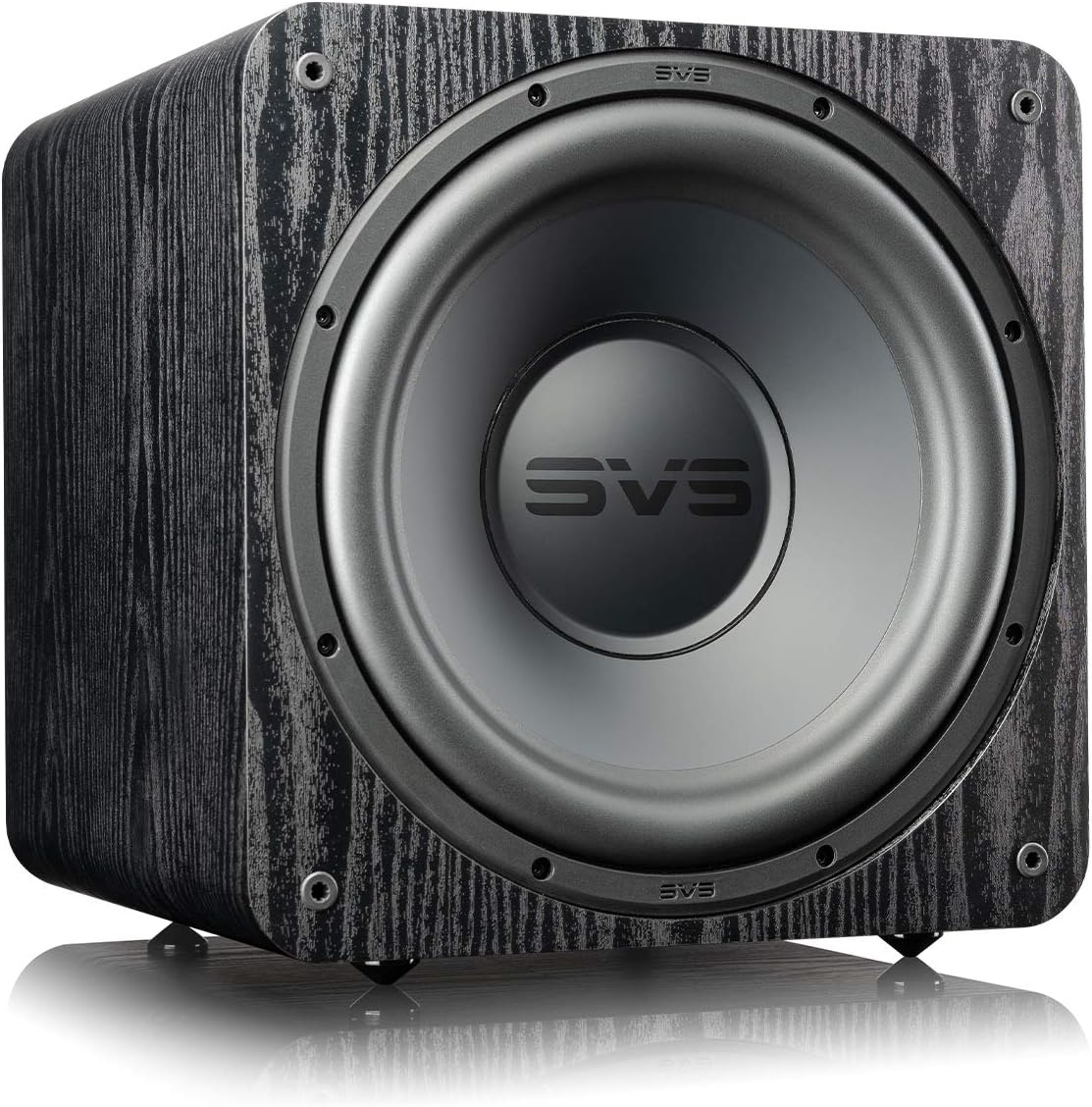
Before you assume your sub is broken — it almost certainly isn’t. In my experience, 80% of “broken” subwoofers are actually setup or connection issues. Work through this in order and you’ll almost certainly find the problem before reaching the end.
Step 1: The Settings Check (Most Common Fix)
I cannot count how many silent subwoofers I’ve encountered that were caused by receiver settings. Check these first:
- Go into your receiver’s speaker configuration. Is the subwoofer set to “Yes” or “Active”? If it’s set to “No” or “None,” the receiver won’t send any signal to the sub output — regardless of what’s connected.
- Are your main speakers set to “Large”? When speakers are set to “Large,” most receivers don’t send bass to the sub. Set them to “Small.”
- Is the subwoofer trim level at minimum in the receiver? Navigate to manual level settings and check.
- Are you playing surround content? Some receivers only activate the sub with multichannel audio. Play a Dolby or DTS track and see if the sub responds.
If any of these were wrong and fixing them resolved it: you’re done. That’s all it was.
Step 2: The Cable Test
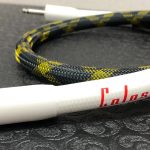
RCA cables fail more often than people think. The connectors corrode, the internal wire breaks, shielding fails. Try a different RCA cable between the receiver and sub. If that fixes it, the original cable was faulty — a $15 replacement cable is all you need.
Also check: is the cable plugged into the correct jack? The receiver end should be in “SUB OUT” or “LFE OUT.” The sub end should be in “LFE IN” or “LINE IN.” Plugging into the wrong jack on either end is surprisingly common.
Step 3: The Direct Source Test
This isolates whether the problem is the sub or the receiver. Connect a phone or tablet directly to the sub’s line input using a 3.5mm-to-RCA cable (a cheap adapter from any electronics store works). Play music with strong bass.
- Sub plays: the sub hardware works. Your problem is in the receiver settings, cable, or receiver output. Go back to steps 1 and 2.
- Sub doesn’t play: the problem is in the sub itself. Continue below.
Step 4: The Power and Protection Check
Is the power indicator light on? No light at all means no power — check the power cable, try a different outlet.
Light blinking or changing color? The sub is in protection mode — usually overheating or an amp fault. Unplug it, wait 30 minutes, try again. If it keeps entering protection mode there may be an internal fault.
Step 5: Physical Driver Test
With the sub powered off and unplugged, gently press the cone with two fingers at equal pressure. It should move smoothly in and spring back evenly. Grinding, scraping, or uneven resistance means the voice coil is damaged.
Common Issues and Fixes
| Symptom | Most Likely Cause | Fix |
|---|---|---|
| No sound, light on | Receiver settings or cable | Steps 1-2 |
| Hum, no bass | Ground loop or no signal | Ground loop isolator, check receiver settings |
| Distorted bass | Gain too high or damaged driver | Lower gain, do cone test |
| Sub shuts off after a few minutes | Overheating / protection mode | Check ventilation, reduce volume |
| Works with music, not movies | Receiver surround settings | Enable sub in receiver, check LFE settings |
| Intermittent cutting in/out | Loose cable connection | Reseat all connectors, try different cable |
The Ground Loop Hum Fix
A constant 50 or 60Hz hum even with no audio playing is almost always a ground loop — different pieces of gear on different electrical circuits with slightly different ground potentials. Fix in order of preference:
- Plug all audio gear into the same power strip or surge protector
- Try a ground loop isolator on the RCA cable ( on Amazon)
- Try a different outlet for one component
When It’s Actually Broken
If you’ve worked through all of this and the sub still doesn’t produce sound, it likely has a hardware failure. For budget subs under $200, replacement is almost always more cost-effective than repair. For quality subs — particularly SVS — contact the manufacturer before giving up. Their customer service team is genuinely helpful and the warranty coverage is among the best in audio.
If you are replacing it: the Klipsch R-120SW is where I start most people. Better than most of what it replaces, and properly set up, it won’t leave you with another silent sub.