Wireless subwoofers solve a real problem: getting a cable from your receiver to a sub across the room without tearing up the floor or running wire along the skirting board. The technology has improved enough in recent years that the compromise over wired is genuinely minimal if you buy the right one.
Two Types — Know Which You Need
Proprietary wireless subs: Designed for a specific soundbar ecosystem (Sonos, Samsung, Bose, LG). Zero-configuration, automatic pairing, but locked to that brand.
Wireless sub kits: A transmitter/receiver that makes any powered sub wireless. More flexible, works with anything.
Best Proprietary Wireless Options
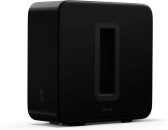
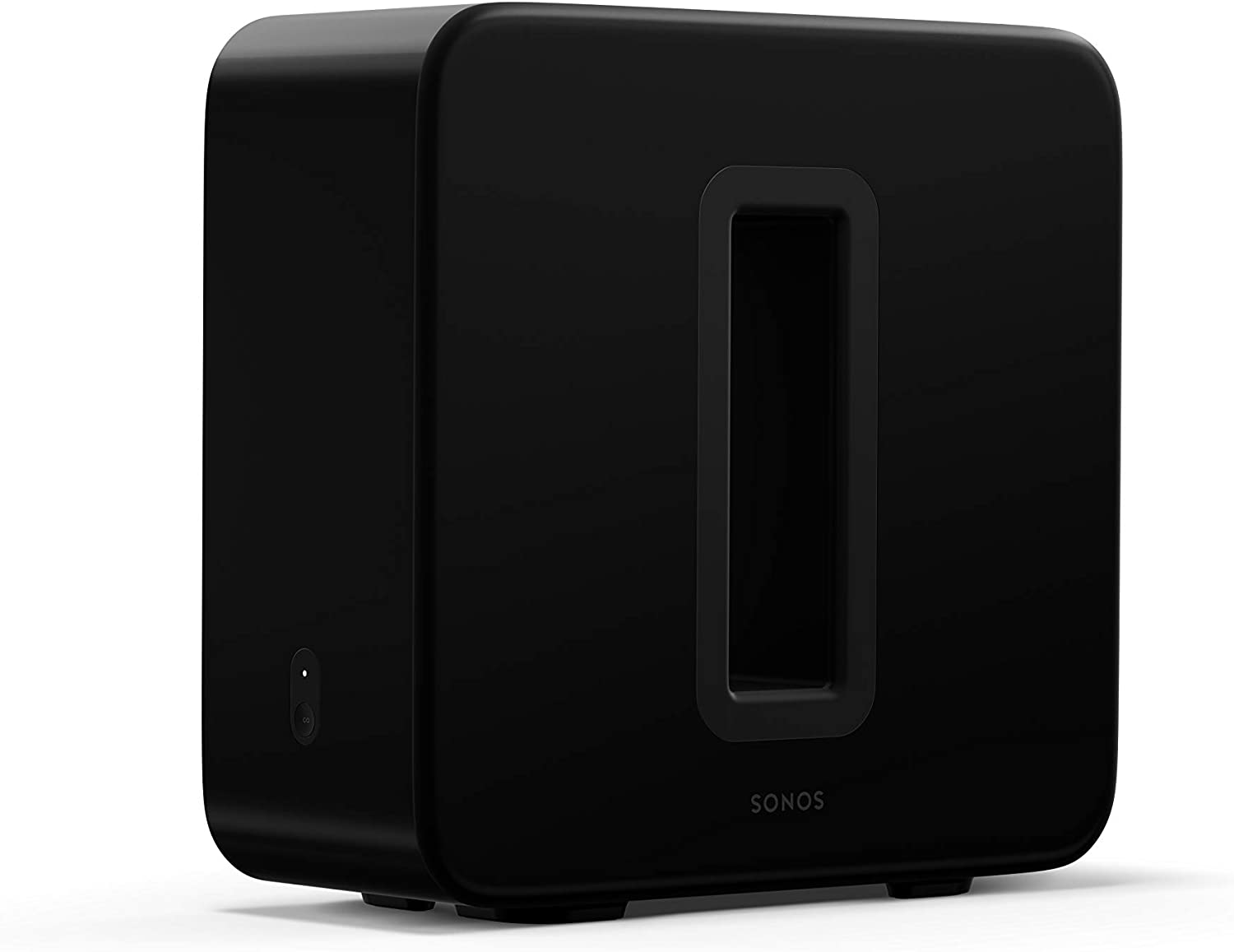
Sonos Sub (Gen 3) — Best for Sonos Owners
Two opposing 6-inch drivers that cancel cabinet vibration. Trueplay automatic calibration that actually works. Zero-cable setup. If you have a Sonos Arc or Beam, this is the wireless sub to get — the integration is genuinely seamless in a way that third-party options can’t match.
The price is high relative to what the spec sheet suggests, but you’re paying for the ecosystem integration, the design, and the Trueplay calibration. For Sonos owners it’s worth it. For everyone else, spend the money on a better dedicated sub.
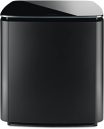
Bose Bass Module 500 — Best for Bose Systems
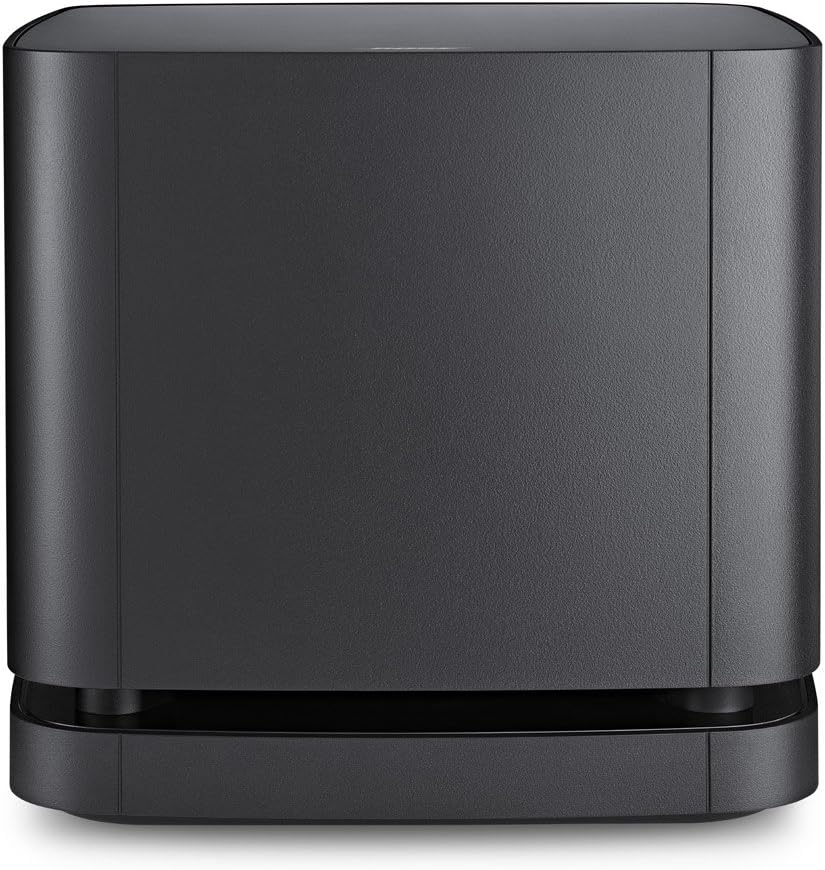
Clean, controlled bass in a compact package. Wireless, pairs automatically with Bose soundbars, and the Bose house sound means it integrates musically rather than dramatically. Not the deepest sub on this list, but consistent and pleasant. For Bose Soundbar 300, 500, or 900 owners it’s the obvious match.
Best Wireless Sub Kits (for Existing Subs)
SVS SoundPath Wireless Kit — Best Performance
SVS makes a wireless kit specifically for their subs but it works with any powered sub. 24-bit audio transmission, under 5ms latency, stable connection in typical home environments. The latency is low enough that audio-video sync isn’t perceptible. If you already have a sub you like but need to run it wireless, this is the one I’d use.
Budget Wireless Kits — Use with Caution
Budget wireless transmitters (under $50) can work but often add 30-50ms of latency, which can cause visible audio/video sync issues in movies. Test carefully if you go this route. For music-only setups the latency matters less — for home theater it can be distracting.
Honest Advice
If you can run a cable — even with effort — do it. A quality shielded RCA cable is available on Amazon-20 and introduces no latency, no potential interference, no wireless quirks. The wireless premium ($150+ for a kit, $750 for the Sonos Sub) makes sense when cabling genuinely isn’t practical. Not just inconvenient — genuinely impractical.
That said: the Sonos Sub and SVS SoundPath kit both work well enough in daily use that the compromise is easy to live with if placement flexibility is important to you.
What to Watch Out For
- Latency: Anything over 10ms can cause sync issues. Quality kits (SVS, Audioquest) achieve under 5ms. Budget kits vary.
- Interference: 2.4GHz wireless can compete with Wi-Fi. Quality kits use frequency hopping to avoid this. Budget kits are more susceptible.
- Range: Most kits work up to 30-50 feet. More than enough for any home.